How to Use Cursor Without Knowing How to Code: A Guide for Designers
When I first heard that Cursor was “an AI code editor,” I assumed it wasn’t for me. I’m a designer, not a developer. But I tried it, and it changed the way I work. Here I’ll tell you exactly how I use it without writing code from scratch.
Tools

WHAT IS CURSOR AND WHY DOES IT MATTER TO A DESIGNER
Cursor is a code editor with built-in AI. You can tell it in natural language what you want to build, and it generates the code. You can ask it to explain what it generated, modify it, or fix it.
For a designer, that means one concrete thing: you can build functional prototypes, real components, and even basic products without depending on a developer for each iteration.
You don't need to know how to program by heart. You need to know how to describe what you want precisely. And that, as a designer, you already know how to do.

HOW I USE IT IN MY DESIGN PROCESS
I don’t use Cursor to replace Figma. I use it for the moments when a static prototype isn’t enough.
When I need to validate a flow that has conditional logic, when I want to show a client what a real interaction would look like, when I need to build something quickly to test with users before investing time in detailed design. In those moments, Cursor lets me go from concept to something functional in hours, not days.
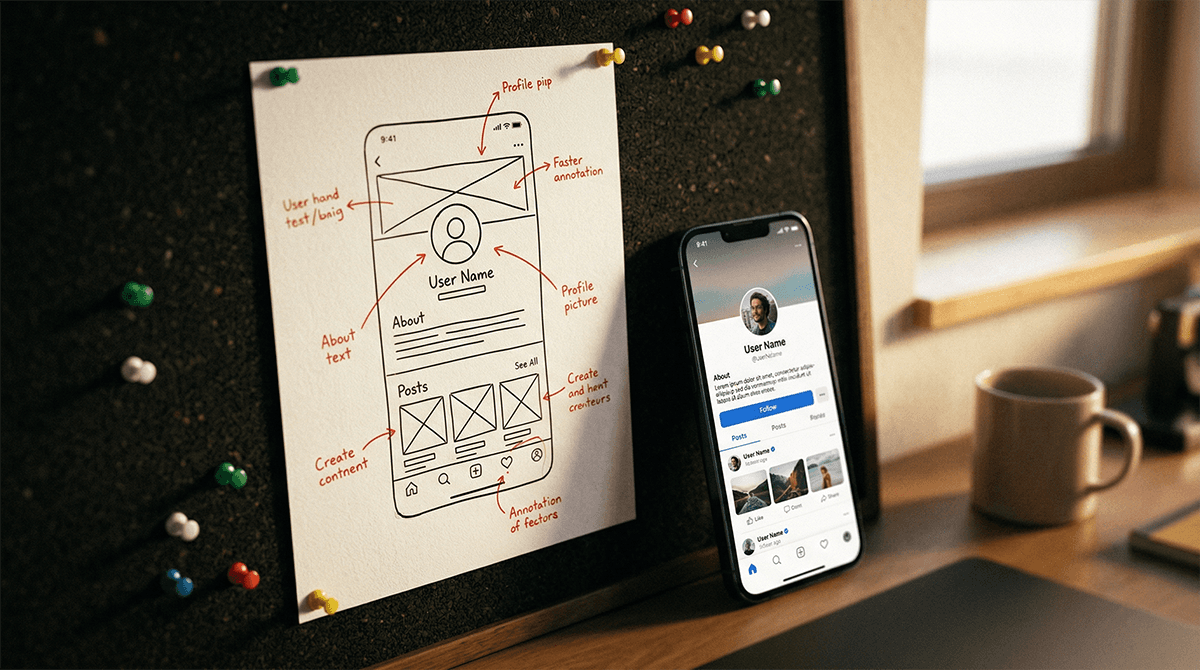
The workflow I use is simple. First, I design the concept on paper or in Figma at a basic level. Then I open Cursor and describe to it what I want to build with as much detail as possible. I review what it generates, ask for adjustments in natural language, and iterate until it works as I need it to.

REAL EXAMPLES OF WHAT I’VE BUILT WITH CURSOR
An onboarding form with real-time validations to test with users. Cursor generated it in twenty minutes. Before, that took me coordinating with development and waiting days.
A functional landing page with animations to show a client a visual identity proposal before moving on to detailed design. The client could navigate, click, and feel the product, not just see it on screen.
Design system components with clean code that the development team could use directly as a base. Less friction in the handoff, less time lost translating between design and code.

WHAT YOU DO NEED TO KNOW TO USE IT WELL
You don’t need to know how to write code. But there are three things that will help you.
The first is knowing how to describe precisely. The more specific you are in your instruction, the better the result. It’s not the same to say "make me a button" as to say "make me a primary button 48px tall, orange #FF5C3A, with 100px rounded corners, that changes opacity on hover and has a 0.2-second transition."
The second is knowing how to review the output. You don’t have to understand every line of code, but you do have to be able to evaluate whether the result looks and works as you need it to. You do that with the same critical eye you use to review any design deliverable.
The third is knowing how to ask for adjustments. If something doesn’t work, you describe the problem to Cursor in natural language and it fixes it. "The button doesn’t change color when I click it", "the menu doesn’t close when I click outside", "the text gets cut off on mobile". That’s all you need to write.
CURSOR VS LOVABLE VS FRAMER: WHEN DO I USE EACH ONE
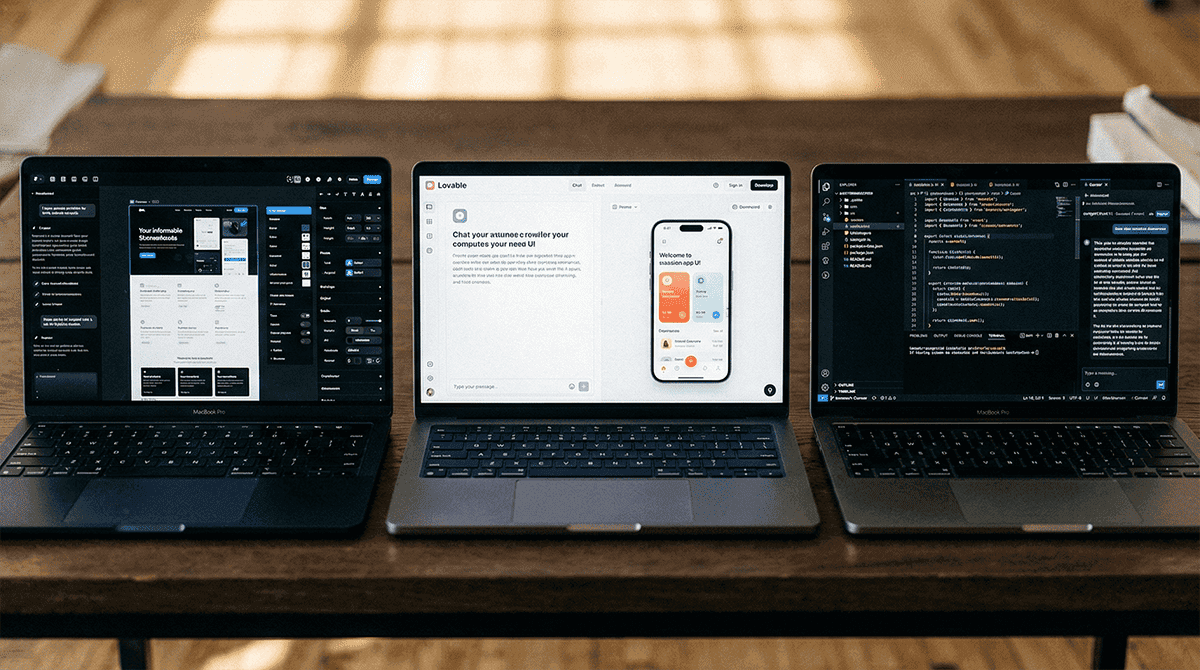
The three all have AI built in but they serve different purposes in my process.
I use Framer when the final deliverable is a website or portfolio. It has the best animations, the best visual result, and I can publish directly without touching code.
I use Lovable when I need a fast functional prototype to validate an idea with users or stakeholders. It’s faster than Cursor for building basic products from scratch.
I use Cursor when I need control over the code, when the prototype has to integrate with something existing, or when I want to build reusable components with clean code that development can take directly.
They are not competitors. They are different tools for different moments in the process.
More to discover


How to Use Cursor Without Knowing How to Code: A Guide for Designers
When I first heard that Cursor was “an AI code editor,” I assumed it wasn’t for me. I’m a designer, not a developer. But I tried it, and it changed the way I work. Here I’ll tell you exactly how I use it without writing code from scratch.
Tools
WHAT IS CURSOR AND WHY DOES IT MATTER TO A DESIGNER
Cursor is a code editor with built-in AI. You can tell it in natural language what you want to build, and it generates the code. You can ask it to explain what it generated, modify it, or fix it.
For a designer, that means one concrete thing: you can build functional prototypes, real components, and even basic products without depending on a developer for each iteration.
You don't need to know how to program by heart. You need to know how to describe what you want precisely. And that, as a designer, you already know how to do.
HOW I USE IT IN MY DESIGN PROCESS
I don’t use Cursor to replace Figma. I use it for the moments when a static prototype isn’t enough.
When I need to validate a flow that has conditional logic, when I want to show a client what a real interaction would look like, when I need to build something quickly to test with users before investing time in detailed design. In those moments, Cursor lets me go from concept to something functional in hours, not days.
The workflow I use is simple. First, I design the concept on paper or in Figma at a basic level. Then I open Cursor and describe to it what I want to build with as much detail as possible. I review what it generates, ask for adjustments in natural language, and iterate until it works as I need it to.
REAL EXAMPLES OF WHAT I’VE BUILT WITH CURSOR
An onboarding form with real-time validations to test with users. Cursor generated it in twenty minutes. Before, that took me coordinating with development and waiting days.
A functional landing page with animations to show a client a visual identity proposal before moving on to detailed design. The client could navigate, click, and feel the product, not just see it on screen.
Design system components with clean code that the development team could use directly as a base. Less friction in the handoff, less time lost translating between design and code.
WHAT YOU DO NEED TO KNOW TO USE IT WELL
You don’t need to know how to write code. But there are three things that will help you.
The first is knowing how to describe precisely. The more specific you are in your instruction, the better the result. It’s not the same to say "make me a button" as to say "make me a primary button 48px tall, orange #FF5C3A, with 100px rounded corners, that changes opacity on hover and has a 0.2-second transition."
The second is knowing how to review the output. You don’t have to understand every line of code, but you do have to be able to evaluate whether the result looks and works as you need it to. You do that with the same critical eye you use to review any design deliverable.
The third is knowing how to ask for adjustments. If something doesn’t work, you describe the problem to Cursor in natural language and it fixes it. "The button doesn’t change color when I click it", "the menu doesn’t close when I click outside", "the text gets cut off on mobile". That’s all you need to write.
CURSOR VS LOVABLE VS FRAMER: WHEN DO I USE EACH ONE
The three all have AI built in but they serve different purposes in my process.
I use Framer when the final deliverable is a website or portfolio. It has the best animations, the best visual result, and I can publish directly without touching code.
I use Lovable when I need a fast functional prototype to validate an idea with users or stakeholders. It’s faster than Cursor for building basic products from scratch.
I use Cursor when I need control over the code, when the prototype has to integrate with something existing, or when I want to build reusable components with clean code that development can take directly.
They are not competitors. They are different tools for different moments in the process.
More to discover
How to Use Cursor Without Knowing How to Code: A Guide for Designers
When I first heard that Cursor was “an AI code editor,” I assumed it wasn’t for me. I’m a designer, not a developer. But I tried it, and it changed the way I work. Here I’ll tell you exactly how I use it without writing code from scratch.
Tools
WHAT IS CURSOR AND WHY DOES IT MATTER TO A DESIGNER
Cursor is a code editor with built-in AI. You can tell it in natural language what you want to build, and it generates the code. You can ask it to explain what it generated, modify it, or fix it.
For a designer, that means one concrete thing: you can build functional prototypes, real components, and even basic products without depending on a developer for each iteration.
You don't need to know how to program by heart. You need to know how to describe what you want precisely. And that, as a designer, you already know how to do.
HOW I USE IT IN MY DESIGN PROCESS
I don’t use Cursor to replace Figma. I use it for the moments when a static prototype isn’t enough.
When I need to validate a flow that has conditional logic, when I want to show a client what a real interaction would look like, when I need to build something quickly to test with users before investing time in detailed design. In those moments, Cursor lets me go from concept to something functional in hours, not days.
The workflow I use is simple. First, I design the concept on paper or in Figma at a basic level. Then I open Cursor and describe to it what I want to build with as much detail as possible. I review what it generates, ask for adjustments in natural language, and iterate until it works as I need it to.
REAL EXAMPLES OF WHAT I’VE BUILT WITH CURSOR
An onboarding form with real-time validations to test with users. Cursor generated it in twenty minutes. Before, that took me coordinating with development and waiting days.
A functional landing page with animations to show a client a visual identity proposal before moving on to detailed design. The client could navigate, click, and feel the product, not just see it on screen.
Design system components with clean code that the development team could use directly as a base. Less friction in the handoff, less time lost translating between design and code.
WHAT YOU DO NEED TO KNOW TO USE IT WELL
You don’t need to know how to write code. But there are three things that will help you.
The first is knowing how to describe precisely. The more specific you are in your instruction, the better the result. It’s not the same to say "make me a button" as to say "make me a primary button 48px tall, orange #FF5C3A, with 100px rounded corners, that changes opacity on hover and has a 0.2-second transition."
The second is knowing how to review the output. You don’t have to understand every line of code, but you do have to be able to evaluate whether the result looks and works as you need it to. You do that with the same critical eye you use to review any design deliverable.
The third is knowing how to ask for adjustments. If something doesn’t work, you describe the problem to Cursor in natural language and it fixes it. "The button doesn’t change color when I click it", "the menu doesn’t close when I click outside", "the text gets cut off on mobile". That’s all you need to write.
CURSOR VS LOVABLE VS FRAMER: WHEN DO I USE EACH ONE
The three all have AI built in but they serve different purposes in my process.
I use Framer when the final deliverable is a website or portfolio. It has the best animations, the best visual result, and I can publish directly without touching code.
I use Lovable when I need a fast functional prototype to validate an idea with users or stakeholders. It’s faster than Cursor for building basic products from scratch.
I use Cursor when I need control over the code, when the prototype has to integrate with something existing, or when I want to build reusable components with clean code that development can take directly.
They are not competitors. They are different tools for different moments in the process.