AI isn't going to replace you. It's going to replace anyone who doesn't know how to use it.
Every time a new AI tool comes out, the same debate pops up on LinkedIn: "Are designers going to disappear?" After integrating AI into my daily process, I have a clear answer: it depends on what kind of designer you are.
Tools

1. THE FEAR EVERYONE HAS BUT FEW ADMIT
It’s understandable, tools like Midjourney, Figma AI, Cursor, or Lovable do in minutes what used to take hours. They generate interfaces, write code, propose layouts, document components. If your value as a designer was in executing tasks, that fear has merit.
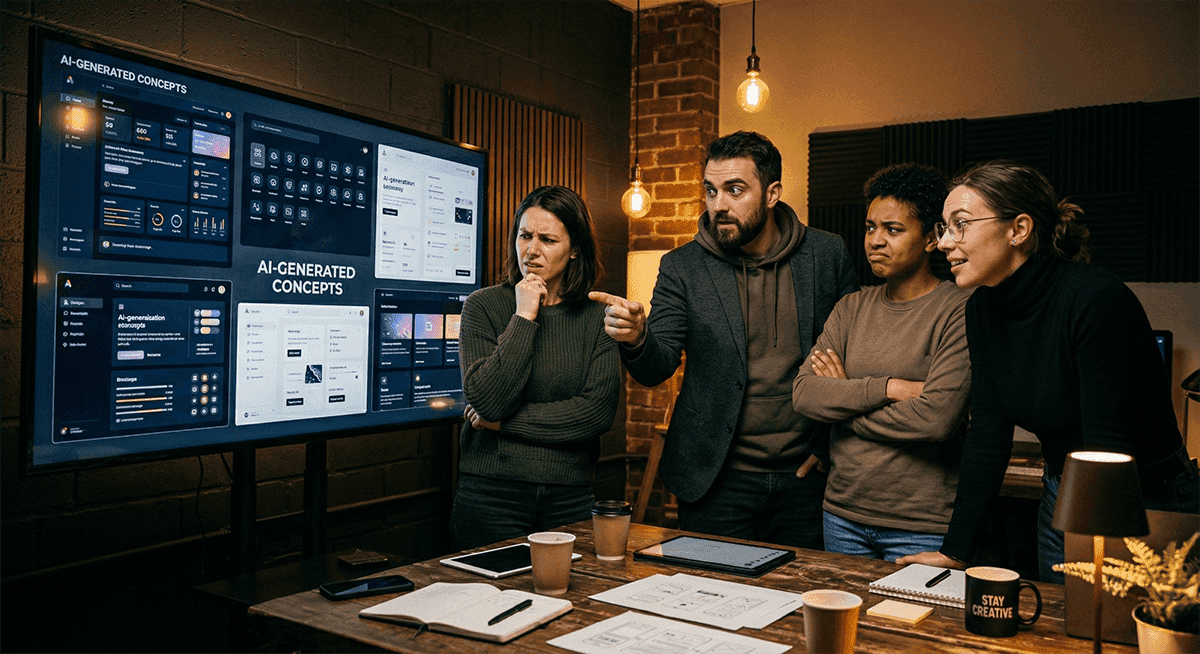
But there is something no AI can do yet: understand the real problem behind a product. Listen to a frustrated stakeholder and detect what they are not saying. Make a design decision knowing it will create friction with the development team and defend it with arguments. That is still human work.
2. WHAT AI IS ALREADY CHANGING IN PRODUCT DESIGN
AI has already changed the pace of work. What used to take a week of prototyping can now take a day. Design systems are documented automatically. Component code is generated in seconds. Usability tests are analyzed automatically.
That is not a threat. It is liberation. If before you dedicated 60% of your time to execution tasks, now you can dedicate it to what really matters: understanding the problem, making better decisions, and communicating the value of design to the business.
Companies that are already integrating AI into their product teams are not reducing designers. They are looking for designers who know how to direct, oversee, and make the most of those tools.
3. WHY COMPANIES STILL NEED DESIGNERS
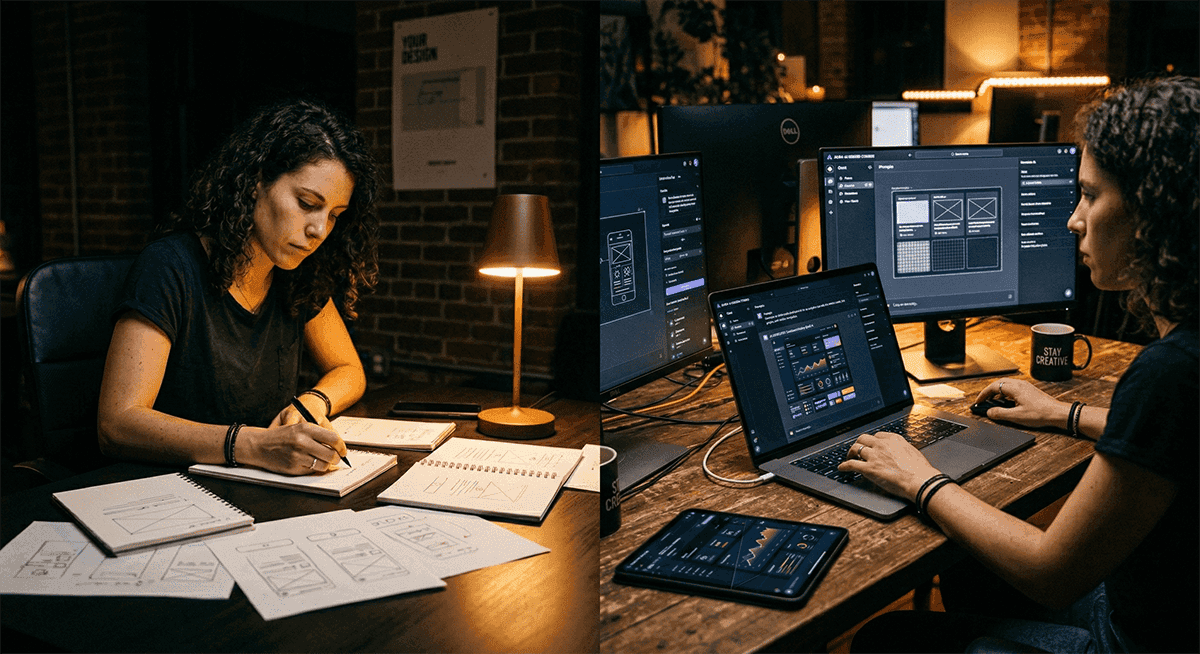
Here’s what a lot of people are not seeing: AI needs instructions. It needs judgment. It needs someone who knows how to evaluate whether the output is good or just garbage with nice packaging.
An AI model can generate ten variations of an onboarding screen in two minutes. But it does not know which one best solves the product’s retention problem. It does not know that the target user has low digital literacy and that the cleanest visual flow is the most confusing one for them. It does not know that the development team has technical debt that makes three of those ten variations unfeasible.
You do know that. And that is exactly what companies need: someone who knows how to ask the right questions, interpret the results, and make decisions with real context.
4. HOW I INTEGRATED AI INTO MY PROCESS WITHOUT LOSING JUDGMENT
I do not use AI to think for me. I use it to execute faster what I already know I need to do.
I use Cursor to build functional prototypes when I need to validate an idea quickly without waiting for development. I use Claude Code to document design decisions and generate specs that the team can implement without friction. I use Lovable to test complete flows in days, not weeks. I use Figma AI to speed up the construction of components I have already designed with intention.
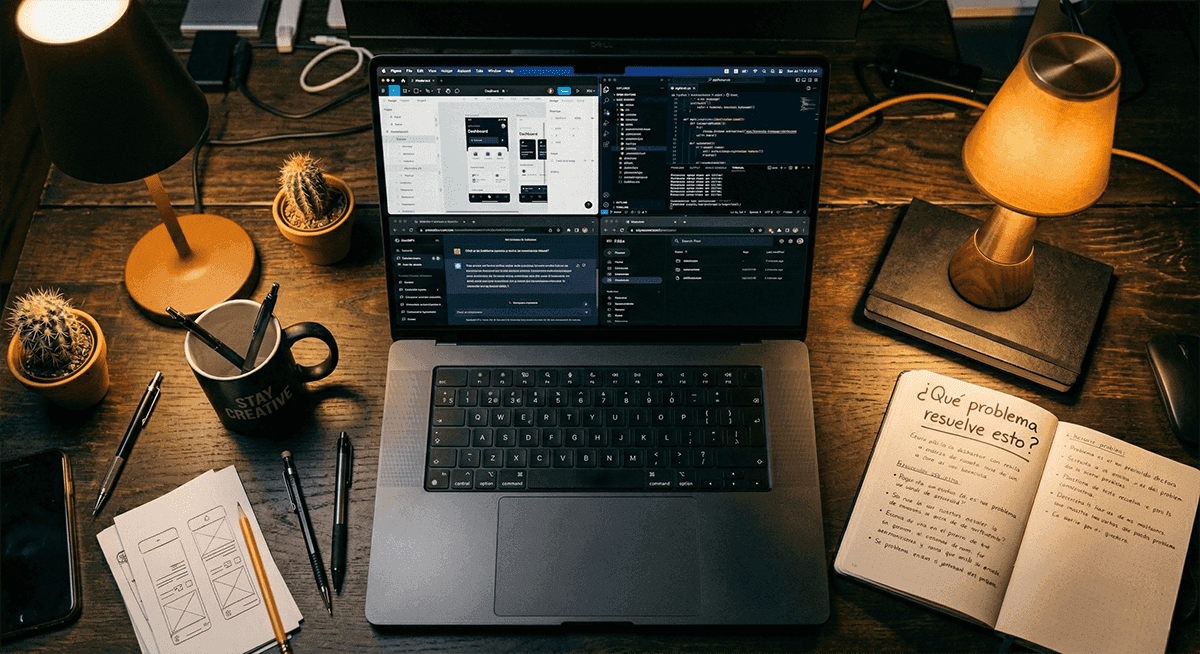
The difference is in the order: first I diagnose the problem, then I use the tool. Not the other way around. AI does not replace diagnosis; it speeds up treatment.
5. WHAT YOU NEED TO LEARN NOW IF YOU ARE A DESIGNER
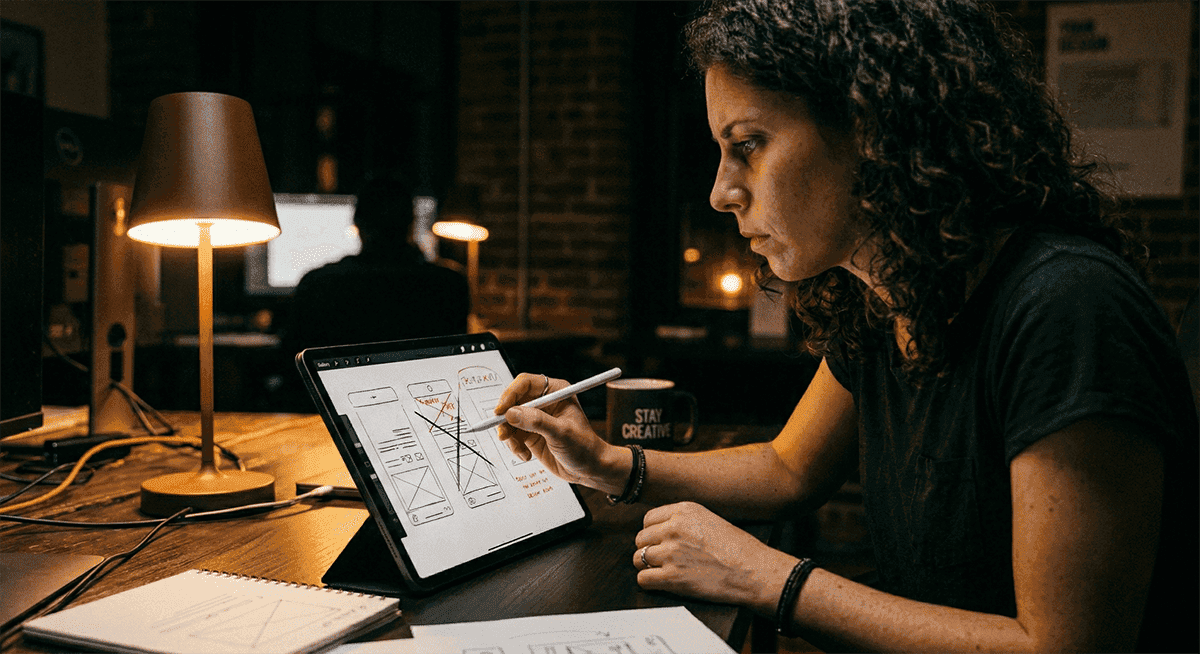
You don't need to learn to code. You need to learn to give precise instructions, evaluate outputs critically, and understand enough technology to know what is possible and what isn't.
The skills that will matter most in the coming years are not execution skills. They are direction skills: knowing what to ask AI for, how to review what it produces, and how to connect that to the business's real problem.
The designer who will disappear is the one who only knows how to execute tasks. The one who will grow is the one who knows how to think through the problem and use AI to solve it faster.
Are you already integrating AI into your design process? Tell me how on LinkedIn. And if you want to see how I apply it in real projects, check out my case studies.

More to discover

AI isn't going to replace you. It's going to replace anyone who doesn't know how to use it.
Every time a new AI tool comes out, the same debate pops up on LinkedIn: "Are designers going to disappear?" After integrating AI into my daily process, I have a clear answer: it depends on what kind of designer you are.
Tools
1. THE FEAR EVERYONE HAS BUT FEW ADMIT
It’s understandable, tools like Midjourney, Figma AI, Cursor, or Lovable do in minutes what used to take hours. They generate interfaces, write code, propose layouts, document components. If your value as a designer was in executing tasks, that fear has merit.
But there is something no AI can do yet: understand the real problem behind a product. Listen to a frustrated stakeholder and detect what they are not saying. Make a design decision knowing it will create friction with the development team and defend it with arguments. That is still human work.
2. WHAT AI IS ALREADY CHANGING IN PRODUCT DESIGN
AI has already changed the pace of work. What used to take a week of prototyping can now take a day. Design systems are documented automatically. Component code is generated in seconds. Usability tests are analyzed automatically.
That is not a threat. It is liberation. If before you dedicated 60% of your time to execution tasks, now you can dedicate it to what really matters: understanding the problem, making better decisions, and communicating the value of design to the business.
Companies that are already integrating AI into their product teams are not reducing designers. They are looking for designers who know how to direct, oversee, and make the most of those tools.
3. WHY COMPANIES STILL NEED DESIGNERS
Here’s what a lot of people are not seeing: AI needs instructions. It needs judgment. It needs someone who knows how to evaluate whether the output is good or just garbage with nice packaging.
An AI model can generate ten variations of an onboarding screen in two minutes. But it does not know which one best solves the product’s retention problem. It does not know that the target user has low digital literacy and that the cleanest visual flow is the most confusing one for them. It does not know that the development team has technical debt that makes three of those ten variations unfeasible.
You do know that. And that is exactly what companies need: someone who knows how to ask the right questions, interpret the results, and make decisions with real context.
4. HOW I INTEGRATED AI INTO MY PROCESS WITHOUT LOSING JUDGMENT
I do not use AI to think for me. I use it to execute faster what I already know I need to do.
I use Cursor to build functional prototypes when I need to validate an idea quickly without waiting for development. I use Claude Code to document design decisions and generate specs that the team can implement without friction. I use Lovable to test complete flows in days, not weeks. I use Figma AI to speed up the construction of components I have already designed with intention.
The difference is in the order: first I diagnose the problem, then I use the tool. Not the other way around. AI does not replace diagnosis; it speeds up treatment.
5. WHAT YOU NEED TO LEARN NOW IF YOU ARE A DESIGNER
You don't need to learn to code. You need to learn to give precise instructions, evaluate outputs critically, and understand enough technology to know what is possible and what isn't.
The skills that will matter most in the coming years are not execution skills. They are direction skills: knowing what to ask AI for, how to review what it produces, and how to connect that to the business's real problem.
The designer who will disappear is the one who only knows how to execute tasks. The one who will grow is the one who knows how to think through the problem and use AI to solve it faster.
Are you already integrating AI into your design process? Tell me how on LinkedIn. And if you want to see how I apply it in real projects, check out my case studies.
More to discover
AI isn't going to replace you. It's going to replace anyone who doesn't know how to use it.
Every time a new AI tool comes out, the same debate pops up on LinkedIn: "Are designers going to disappear?" After integrating AI into my daily process, I have a clear answer: it depends on what kind of designer you are.
Tools
1. THE FEAR EVERYONE HAS BUT FEW ADMIT
It’s understandable, tools like Midjourney, Figma AI, Cursor, or Lovable do in minutes what used to take hours. They generate interfaces, write code, propose layouts, document components. If your value as a designer was in executing tasks, that fear has merit.
But there is something no AI can do yet: understand the real problem behind a product. Listen to a frustrated stakeholder and detect what they are not saying. Make a design decision knowing it will create friction with the development team and defend it with arguments. That is still human work.
2. WHAT AI IS ALREADY CHANGING IN PRODUCT DESIGN
AI has already changed the pace of work. What used to take a week of prototyping can now take a day. Design systems are documented automatically. Component code is generated in seconds. Usability tests are analyzed automatically.
That is not a threat. It is liberation. If before you dedicated 60% of your time to execution tasks, now you can dedicate it to what really matters: understanding the problem, making better decisions, and communicating the value of design to the business.
Companies that are already integrating AI into their product teams are not reducing designers. They are looking for designers who know how to direct, oversee, and make the most of those tools.
3. WHY COMPANIES STILL NEED DESIGNERS
Here’s what a lot of people are not seeing: AI needs instructions. It needs judgment. It needs someone who knows how to evaluate whether the output is good or just garbage with nice packaging.
An AI model can generate ten variations of an onboarding screen in two minutes. But it does not know which one best solves the product’s retention problem. It does not know that the target user has low digital literacy and that the cleanest visual flow is the most confusing one for them. It does not know that the development team has technical debt that makes three of those ten variations unfeasible.
You do know that. And that is exactly what companies need: someone who knows how to ask the right questions, interpret the results, and make decisions with real context.
4. HOW I INTEGRATED AI INTO MY PROCESS WITHOUT LOSING JUDGMENT
I do not use AI to think for me. I use it to execute faster what I already know I need to do.
I use Cursor to build functional prototypes when I need to validate an idea quickly without waiting for development. I use Claude Code to document design decisions and generate specs that the team can implement without friction. I use Lovable to test complete flows in days, not weeks. I use Figma AI to speed up the construction of components I have already designed with intention.
The difference is in the order: first I diagnose the problem, then I use the tool. Not the other way around. AI does not replace diagnosis; it speeds up treatment.
5. WHAT YOU NEED TO LEARN NOW IF YOU ARE A DESIGNER
You don't need to learn to code. You need to learn to give precise instructions, evaluate outputs critically, and understand enough technology to know what is possible and what isn't.
The skills that will matter most in the coming years are not execution skills. They are direction skills: knowing what to ask AI for, how to review what it produces, and how to connect that to the business's real problem.
The designer who will disappear is the one who only knows how to execute tasks. The one who will grow is the one who knows how to think through the problem and use AI to solve it faster.
Are you already integrating AI into your design process? Tell me how on LinkedIn. And if you want to see how I apply it in real projects, check out my case studies.